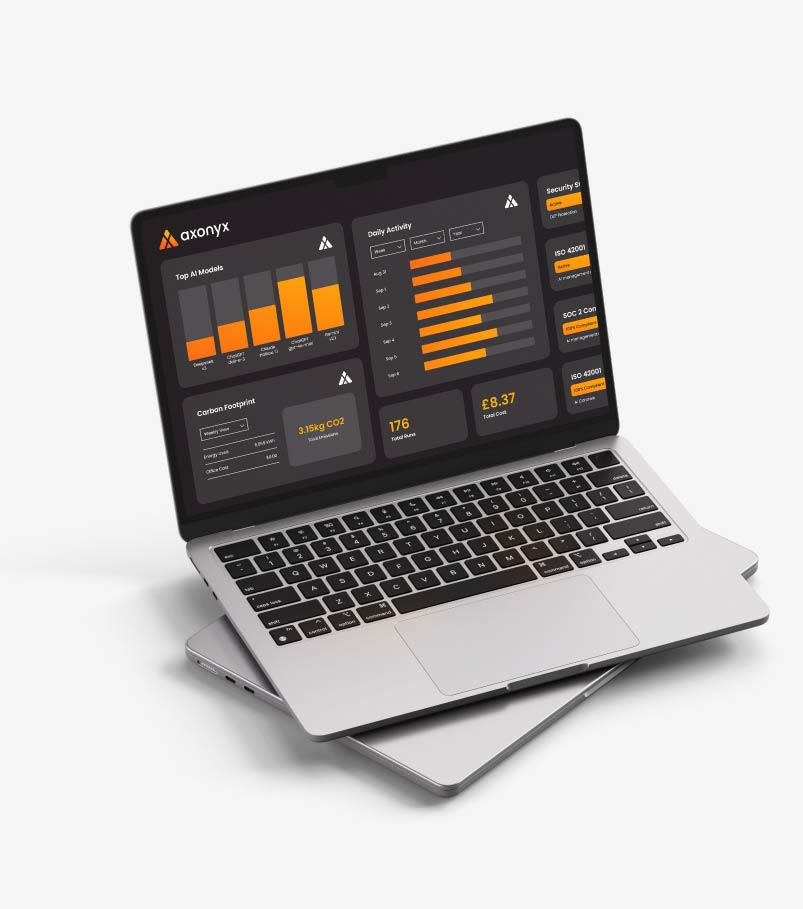
Discover the AI you didn’t know you had.
A capability of the Axonyx platform. See what is included in Core and Enterprise →
You cannot control what you cannot see. Before anything else, you need to know which AI your people are actually using.
Discover finds all of it, approved or not, and tells you which bits should worry you.
Shadow AI discovery across your network and your browsers, so the AI nobody registered shows up on the same list as the AI you bought.
Book a demo Talk to us →Find the AI nobody signed off
Personal accounts. Browser plug-ins. AI features quietly switched on inside software you already pay for. Code assistants nobody asked about. Discover finds the lot.
- Finds AI in apps, browsers, agents and your existing software
- Shows up personal accounts and tools nobody approved
- Runs continuously, not once a year
Keep a list that stays current
A spreadsheet of AI tools is out of date the moment you save it. Discover keeps a live list: which tools, which models, used by which teams.
- Every tool and model in one up-to-date view
- Tied back to the teams and apps using them
- Updates itself as new AI turns up
Know which ones actually matter
Not every use is a problem. Each one is scored on the data it touches and the decisions it affects, so summarising a public article is not treated like drafting client advice on confidential files.
- Scored on the data involved and what is at stake
- Clear gaps, with what to do about them
- The urgent things at the top, not buried in a log
Catch the AI used in a browser tab
Someone opens ChatGPT and pastes in a customer list. Nothing you run in the data centre ever sees it. The Axonyx browser extension does, and checks it before it leaves the machine.
- Covers ChatGPT, Claude, Gemini, Copilot, Perplexity and the rest
- Blocks the prompt, or sends it with the sensitive part removed
- Watch quietly first, then switch to blocking when you are ready
Turn what you find into control
Every find gives you a choice: approve it, swap it for something safer, bring it under your rules, or shut it off.
- Approve, replace, control or retire, from one place
- Put what you found under live rules in a click
- Feeds straight into your reports and evidence
See the AI nobody told you about
Every AI service reaching your network, which ones nobody registered, and who is using them. Sorted so the urgent things are at the top.
Book a demo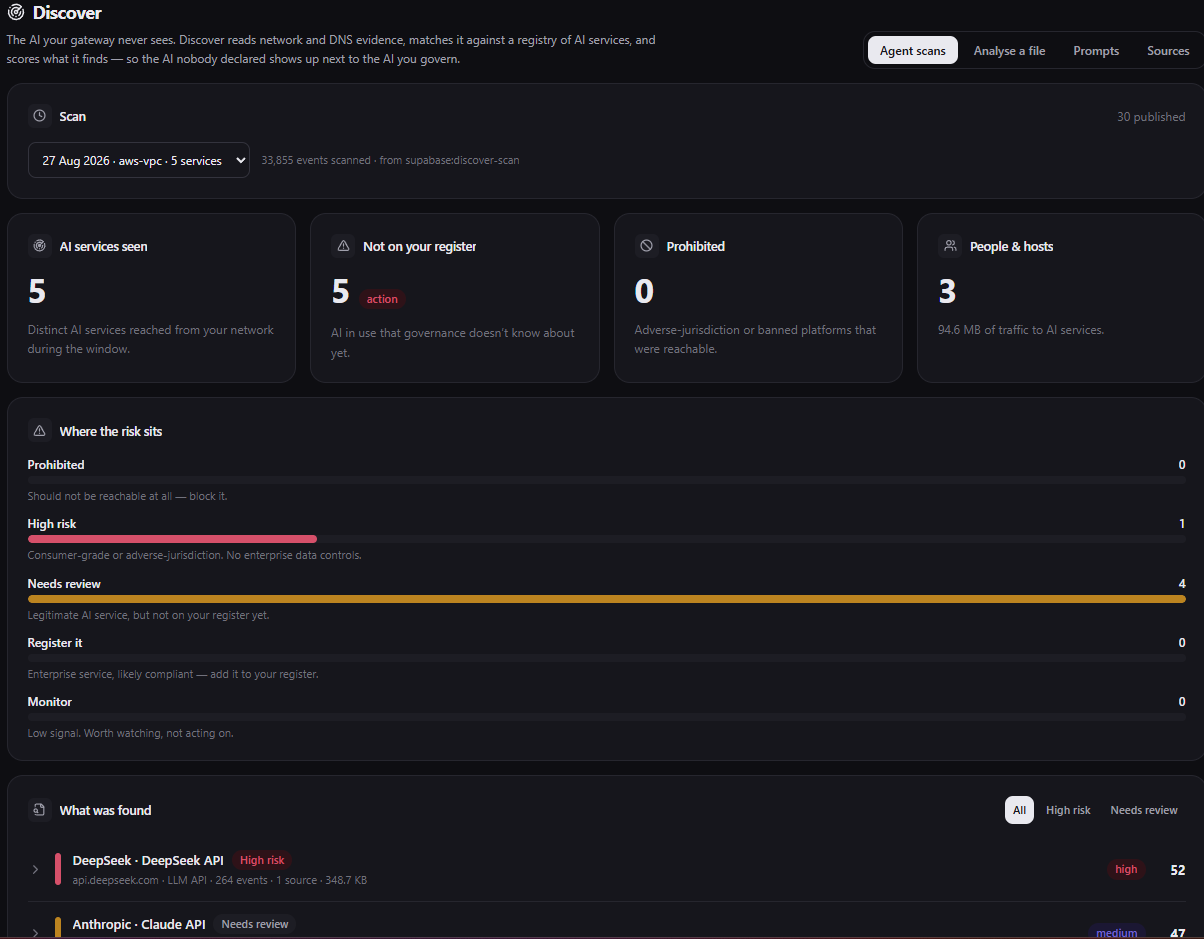
It reads the logs you already have
No network changes and nothing to set up. Point Discover at the logs you already keep and it finds the AI hiding in your traffic, before anyone installs a thing.
Cloud platforms
 Amazon Web Services
 Microsoft Azure
 Google Cloud
SIEM & log platforms
 SplunkMicrosoft Sentinel
 IBM QRadar
 Elastic Security
 Sumo Logic
 Google Chronicle
 Datadog
Using a log source that is not listed? Talk to us . If it produces logs, Discover can most likely read them.











Questions we get about shadow AI discovery
What is shadow AI?
Shadow AI is any AI tool being used for work that nobody formally approved: a personal ChatGPT account, a Copilot licence someone expensed, an API key a developer added to a side project, an agent wired into a workflow by a team that did not think to ask.
It is rarely malicious. It is people trying to get their work done. The problem is that nobody can tell you what data has gone into it.
How do you find AI tools nobody registered?
Two ways, and they catch different things. Axonyx Discover reads network and DNS logs you already keep and identifies traffic going to AI services, which finds anything on your network with nothing to install.
The browser extension catches what the network cannot: prompts typed into AI websites on a laptop, including on a home connection. Between them you see both the systems calling AI and the people using it.
Which AI services do you detect?
The mainstream assistants are covered by default: ChatGPT, Claude, Gemini, Microsoft Copilot, Perplexity, DeepSeek, Grok, Mistral, Poe and You.com, alongside the major model APIs.
Detection is not limited to a fixed list. Traffic to AI services outside it is surfaced as unrecognised so you can decide what it is rather than never hearing about it.
Do we have to block anything to start?
No, and we would advise against it. Start in watch-only mode and spend a few weeks finding out what is actually happening.
Most teams are surprised by the volume rather than the nature of the usage. Once you can see it, blocking becomes a decision you make with evidence rather than a guess that annoys people.
Is this employee surveillance?
It is a fair question to ask and worth answering before you deploy. Axonyx is aimed at what data goes to which AI service, not at monitoring individuals.
You control the level of attribution: team, cost centre, or named user. What Axonyx cannot do is make that decision for you or tell your staff about it. That is a conversation for you and your works council or HR team, and it goes better before rollout than after.
Move from AI chaos
to AI control.
See what your AI is doing, stop what it should not, and keep the proof.
Book a demo